 Pocket VJ Pro
Your phone runs the visuals. You keep playing.
Live visuals that hit with the kick, for DJs, bands and clubs. Open it and it is already playing. Point the mic at the speakers, plug in a screen, and the picture moves with the music all night.
iPhone · iPad · Mac · Apple Vision Pro
Who it's for
A light show that fits in your pocket.
DJs
Mobile gigs, weddings and residencies. Set up in the time it takes to plug in a cable, and keep your hands on the decks.
Bands
The screen behind you pumps with the kick, swells with the vocals and shakes on the drop. Put your name up in lights.
Bars and clubs
Moving visuals on every screen in the room, every night, with no one stuck at a laptop.
Streamers
A backdrop that follows your music and changes with every track.
What it does
Built for a dark room and a loud set.
It hears the music
The mic follows the beat, the bass and the tempo. Sound is analyzed on your device and never recorded.
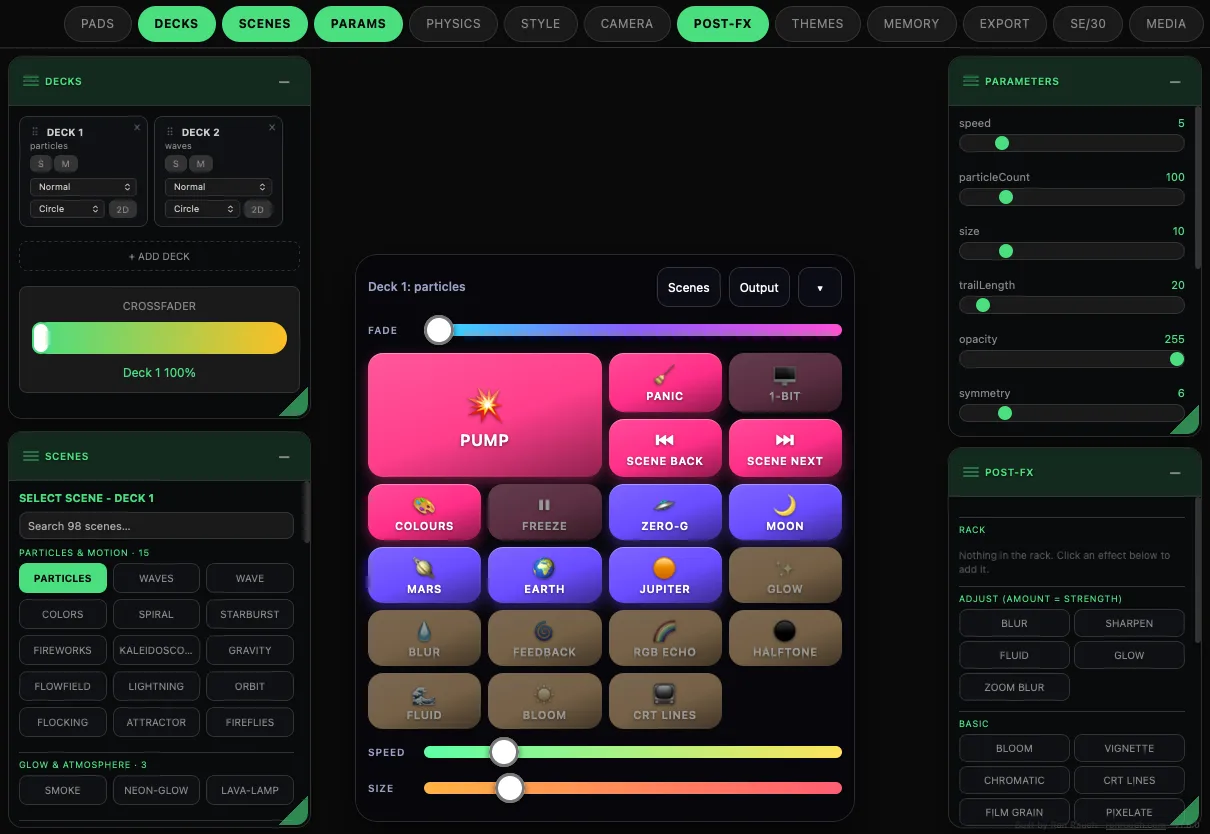
Two decks, one crossfader
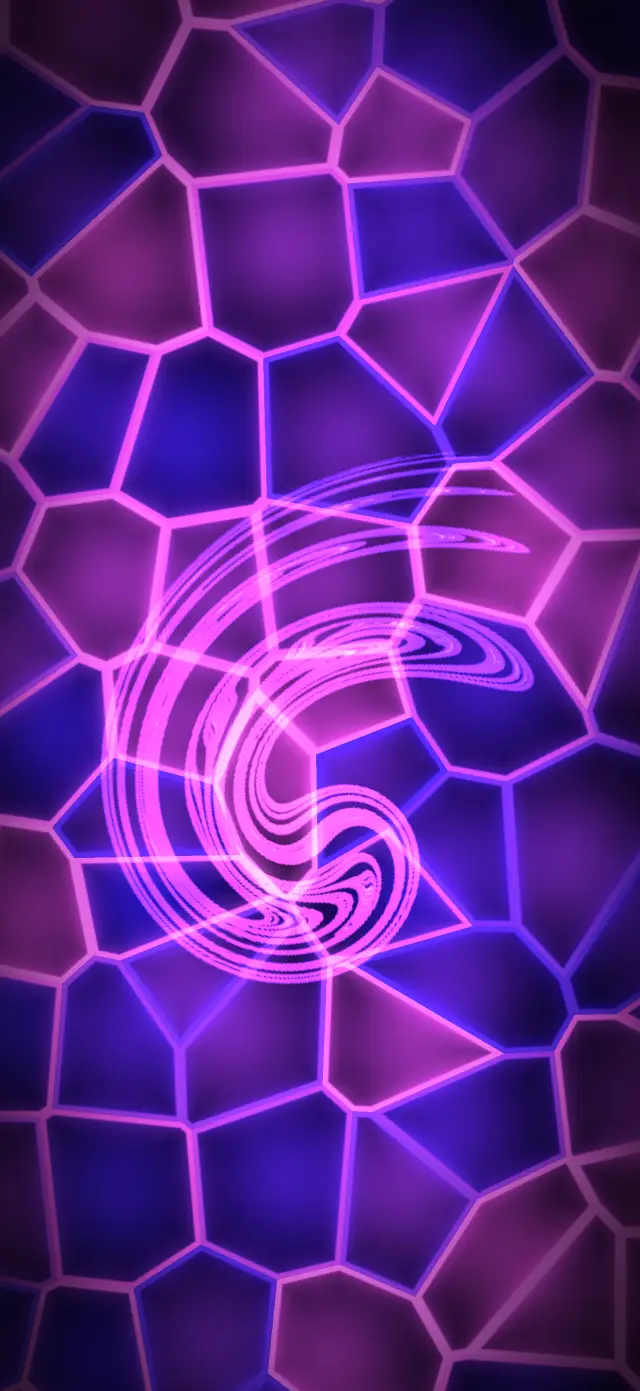
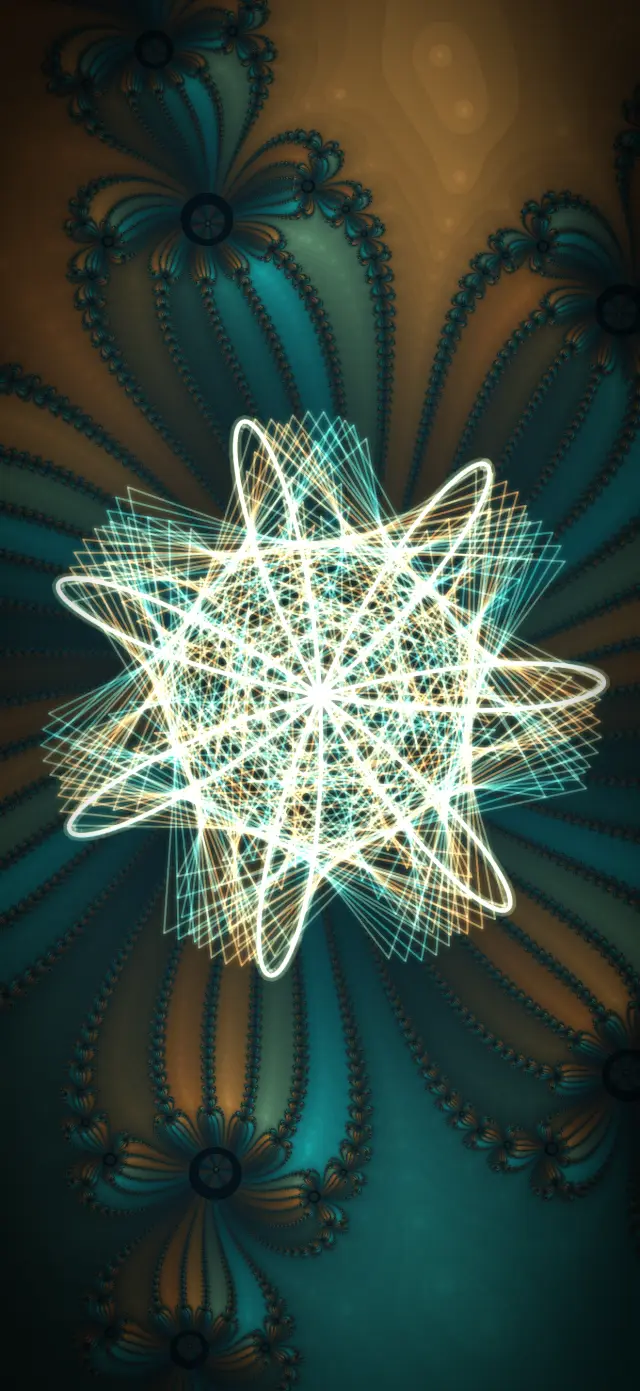
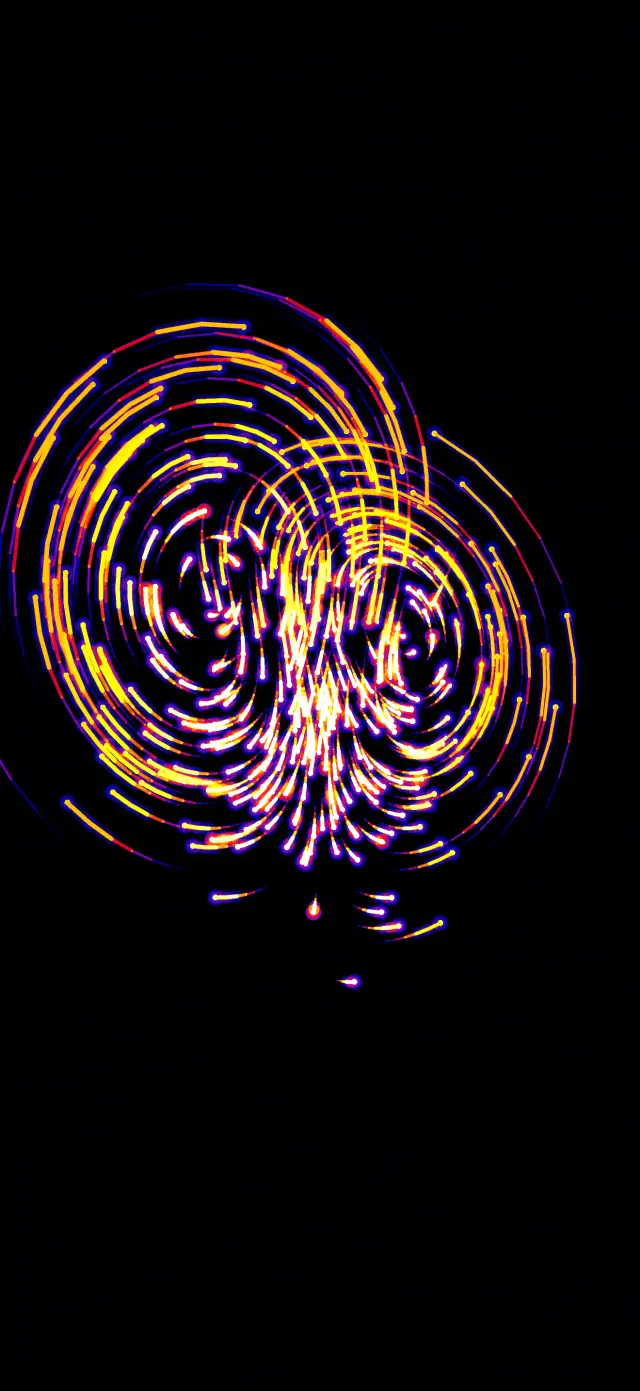
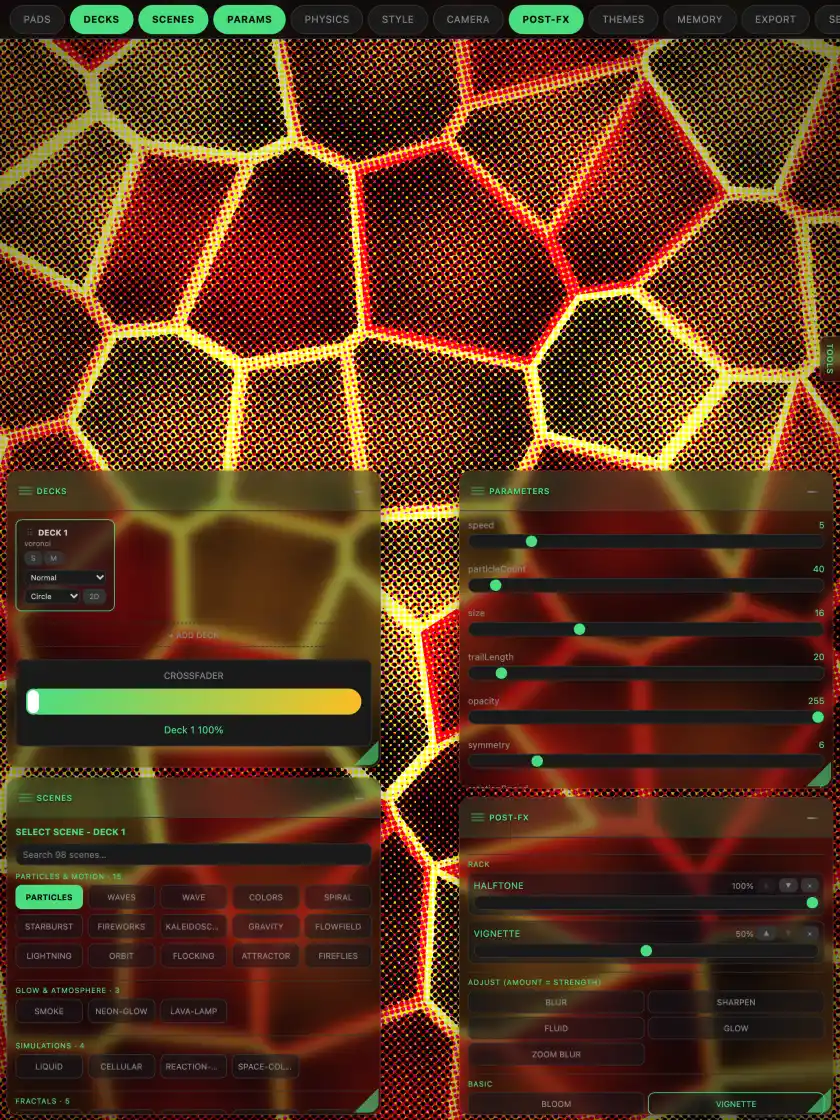
Load a scene on each deck and fade one world into the other. More than a hundred scenes: particles, fireworks, fractals, fluids, 3D worlds and retro 1-bit screens.
Made for the stage
Big see-through pads, text you can read in the dark, and every tap answers right away. Hit PANIC and everything snaps back to clean.
48 Themes and Beats
Start from built-in Themes, save your own looks and sync them with iCloud. Beats keeps the pulses going between songs.
Run the show
Put the band's name or the song title on screen. Plan a set as cues that move on by time, by bars, or when the next song starts.
Fill the room
On Apple Vision Pro the visuals wrap around you while you play them from your iPhone or iPad.
See it move
Loops straight out of the app.
How it hooks up
Your phone is the controller. The big screen is the show.
- Connect the screen. HDMI into a TV, projector or LED wall, or AirPlay to an Apple TV. The clean picture goes full screen while your device keeps the controls.
- Drive a Mac from your phone. Play a Nearby Studio lets your iPhone run the Mac over the local network. On a Mac, split one picture across a whole wall of screens.
- Turn on the mic and play. Set the device where it can hear the speakers, tap PUMP, and pick your looks. Change anything from your phone, any time.
No laptop required
It's already in your bag.
Your iPhone or iPad is the whole rig. No laptop, no controller, no extra software. Stills and recordings collect in the app's Library, ready to share after the gig.
Plans
Free to start. Pay once to go bigger.
Up to 1080p
Every feature, every scene, output up to 1080p.
One-time purchase
Unlocks output up to 4K for projectors and big TVs.
One-time purchase
Unlocks every size above 4K, up to 16K, for LED walls and multi-screen rigs. Includes 4K.
Downloads
Test files for your screens.
Play these on your projector, TV or LED wall to check the picture before the show.
Questions
Good to know.
Does it record me?
No. When the mic is on, the app turns the sound into levels, beats and tempo on your device. Nothing is recorded, saved or sent. Read the privacy policy.
Which devices does it run on?
iPhone, iPad, Mac and Apple Vision Pro. A recent device gives you the smoothest 4K.
What cables do I need?
An HDMI cable and the adapter for your device: USB-C to HDMI for USB-C iPhones and iPads, or Apple's Lightning Digital AV Adapter for Lightning iPhones. An adapter with a charging port keeps you powered all night.
Do I need Wi-Fi?
No. The visuals run on your device. AirPlay and Play a Nearby Studio use the local network, with no internet needed for the show.
Is there a flashing lights warning?
Yes. Some looks flash quickly and use strong contrast. If you or anyone watching is sensitive to flashing lights, choose calmer looks, keep the intensity low, and stop right away if anyone feels unwell.
When can I get it?
Pocket VJ Pro is in App Review now and will be on the App Store soon. Questions in the meantime go to support.